



Share This Post:
Find yourself needing to look up a permit in Northern Virginia, Maryland, or Washington, DC? See below for easy instructions for permits in Alexandria, Arlington, DC, Fairfax County, PG County, Montgomery County, Annapolis and Anne Arundel County.
Virginia
Fairfax County https://www.fairfaxcounty.gov/fido/permits/search.aspx?pgmcat=permit&pgmtype=address- Enter the House Number and Street Name.
- Select a date range and click on the Search button.
- Click on the Permit # of interest.
- In the dropdown list next to Search, choose Permit.
- Click in the Address field, type the house number and street name, and click on the Search button.
- Click on the Permit Number of interest. A new tab will open displaying the details.
- Begin typing the Street Name or scroll to it in the dropdown list and select it.
- Select the Street Number.
- Click on the Permit # of interest.
Washington, DC
https://dcraonline-rms.dcra.dc.gov/navigator/?desktop=DCRAPermits- Enter the provided Username (publicrecorduser) and Password (erecord1) and click on the Log In button.
- Click on DCRA Building Permits in the navigation bar on the left side of the screen.
- Type the house number and/or street name and press <Enter> or click on the Search button.
- Select a row in the results list and view details on the right side of the screen.
- Click on Actions and choose an option from the dropdown list to download or open, preview, or download a permit.
- This is the newer method of searching for permit information in DC, but it requires that the user create a (free) account.
Maryland
Montgomery County http://permittingservices.montgomerycountymd.gov/DPS/online/eSearch.aspx?by=Address&SearchTyp e=DataSearch- Type the Street Number and Street Name without suffix (St, Rd, etc.) and click on the Search button.
- Click on the hyperlinked number in the # of Applications column.
- Click on an application number to see details.
- To return to the list of permits, click on the Search Criteria tab.
- Type House/Building/Street # and Street Name without suffix.
- Enter the code displayed in the box below the search criteria and click on the Search button.
- Click on a link under Matching Addresses.
- To search by address, click on the Street Address button near the bottom of the screen.
- Begin typing the Street Name or scroll to it in the dropdown list and select it.
- Enter the House Number (optional) and click on the Submit Search button.
- Click on the Tax Account Number.
- Click on the radio button for the permit of interest and then on the Submit button.
- Type the house number and street name (without suffix) in the search field and click on the Search button.
- Click on a row to see details for that permit.
- Choose a permit number from the Search Results list on the left side of the screen to display details for other permits.
- Enter the provided Username (publicrecorduser) and Password (erecord1) and click on the Log In button.
- Click on DCRA Building Permits in the navigation bar on the left side of the screen.
- Type the house number and/or street name and press <Enter> or click on the Search button.
- Select a row in the results list and view details on the right side of the screen.
- Click on Actions and choose an option from the dropdown list to download or open, preview, or download a permit.
- This is the newer method of searching for permit information in DC, but it requires that the user create a (free) account.
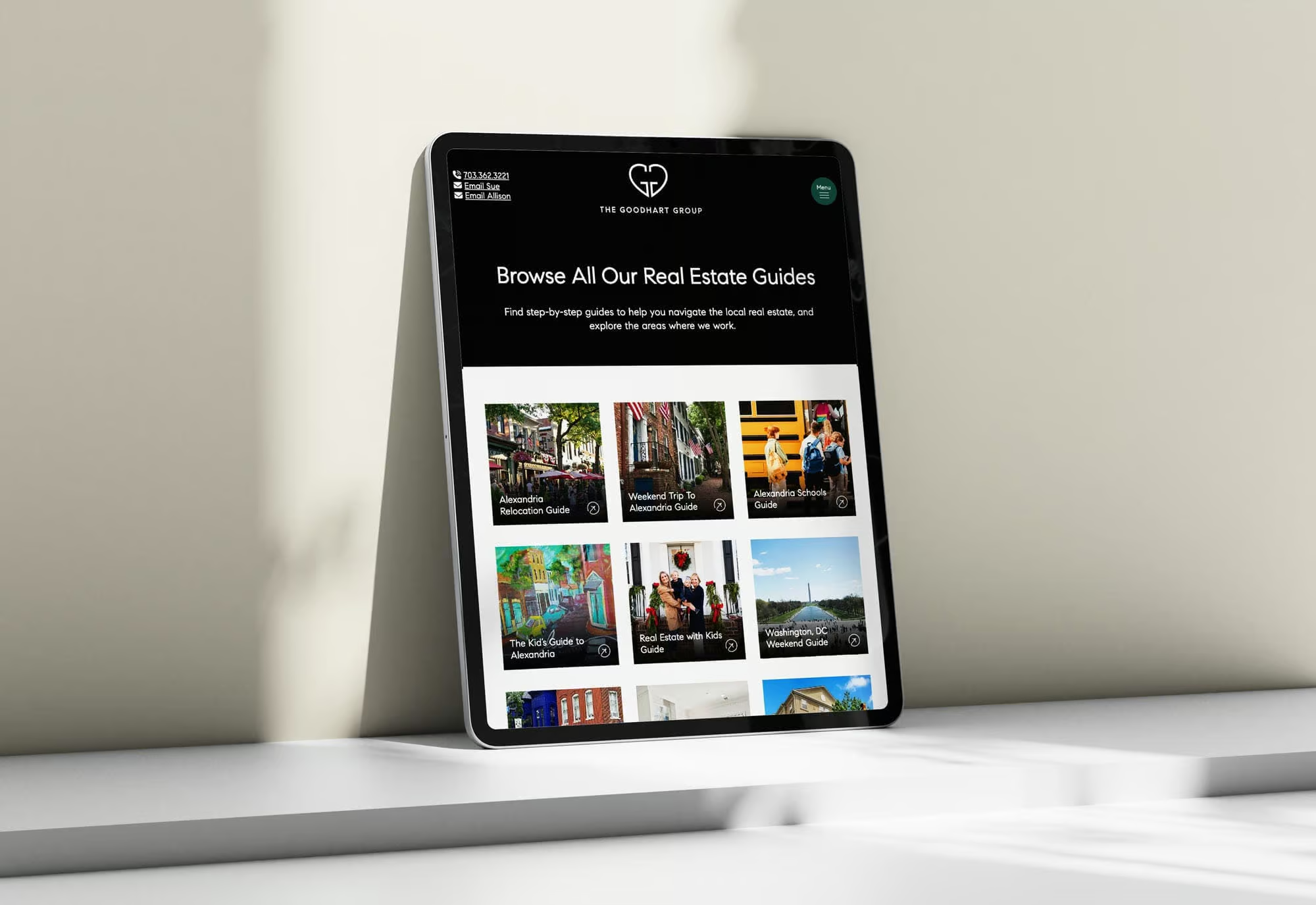
Looking For Additional Resources?
We’ve got you covered. Click the button below to download our lifestyle, real estate, and area guides.
Get Our Guides